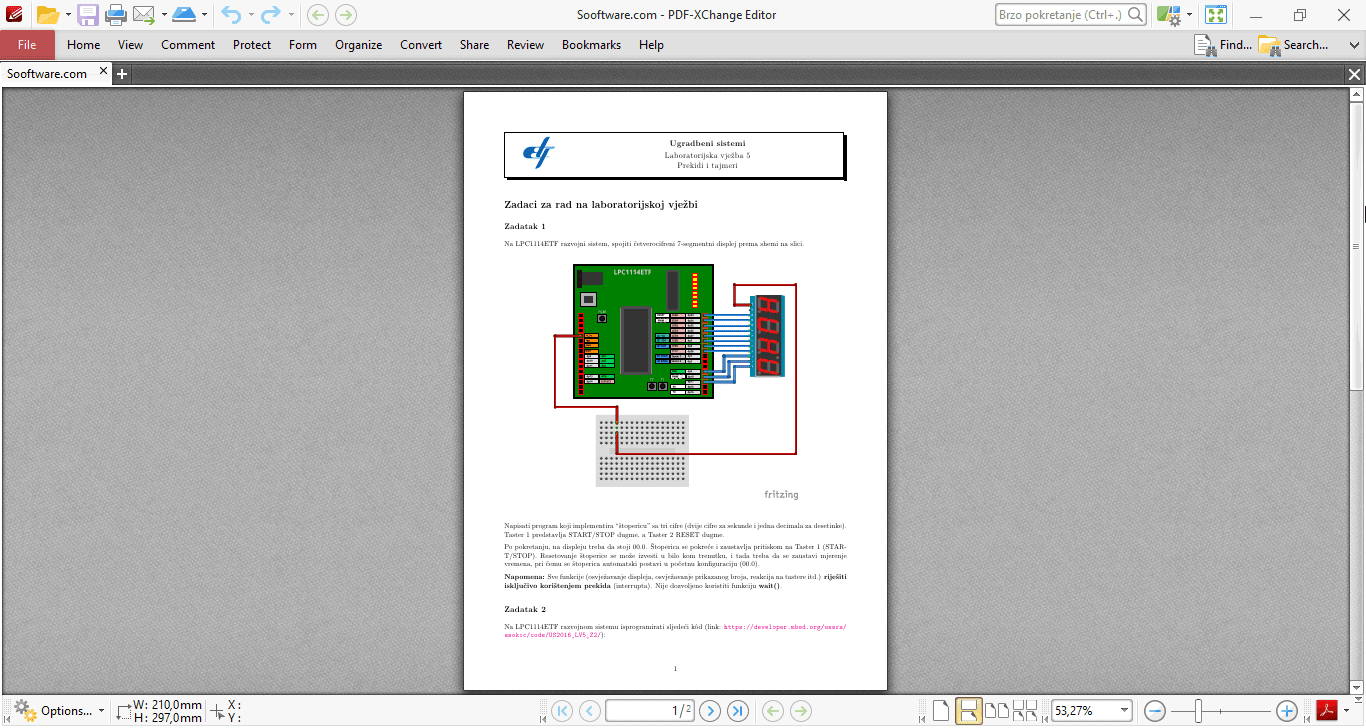
Managing PDF files is a must for many people and they have to do that on a daily basis. Everyone dealing with such files often wants to have a proper tool which can provide more than just PDF viewing and sharing. It's quite possible that this tool may provide an answer... PDF-XChange Editor is a PDF viewer/editor/converter.
It offers a perpetual license model, but you can still use the unregistered version which should provide over 70% of all features completely free. Other premium features still work but place a watermark on output files. It supports modern Windows versions, including Windows 10 and 11. This software is just powerful! Its design is simple and neat but it's not something to blow you off your feet.
Editing and annotation tools
Its strengths lie in its editing options. First of all, PDF files can be enriched with comments in text forms, actual files (yes, you can attach a file inside your PDF) or sounds such as reminders or warnings which you can create on the spot using your microphone. Other things you can add include shapes, drawings, and stamps you can create yourself!
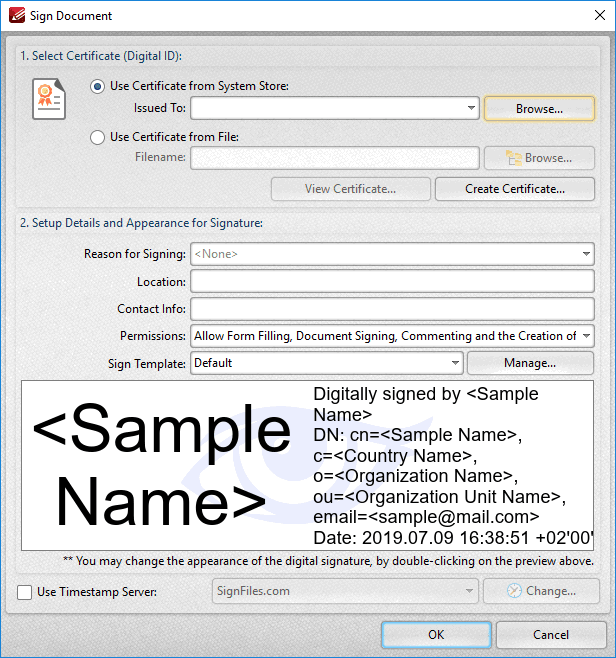
Document protection is a priority for PDF-XChange Editor as you can sign the documents using certificates, place signatures, timestamps, etc. Adding forms is also great but it's only available for the paid Plus edition.File management and document conversion
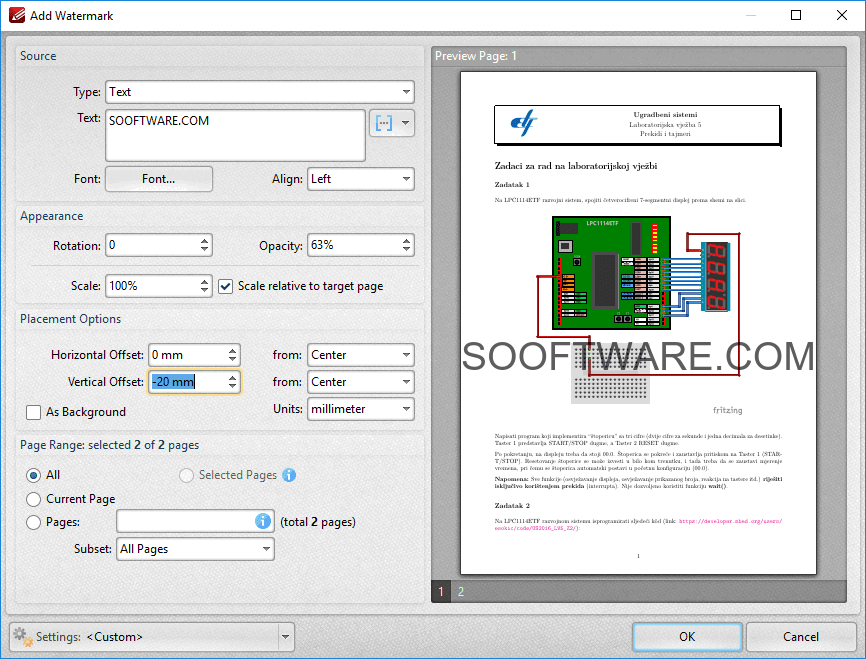
When it comes to file management, you can easily insert, delete, extract, move, merge, or replace pages. Rotating, cropping, and resizing a single page has also never been easier. Make sure you try adding your own touch when it comes to the background and the watermark which can be easily placed across the pages. PDFs can be created from scanned text, plain text, CSV, or image files.
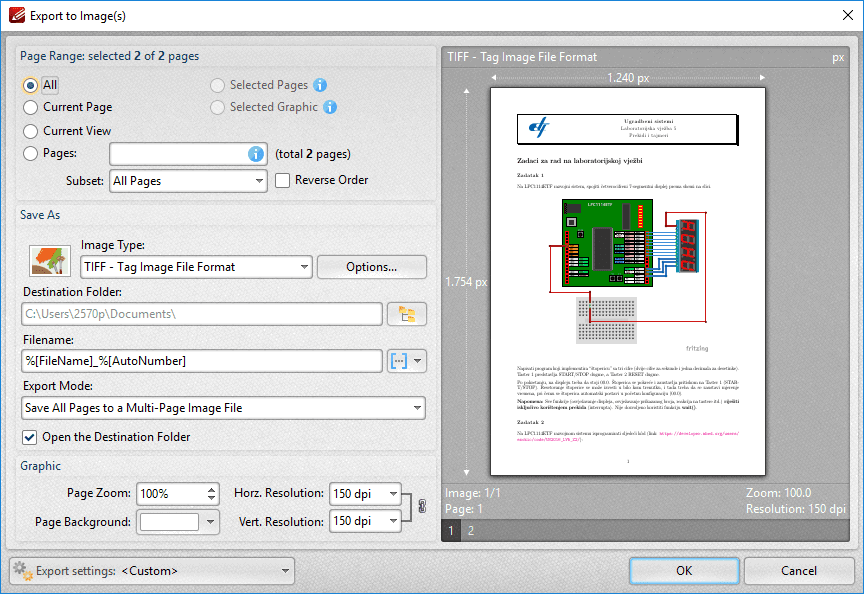
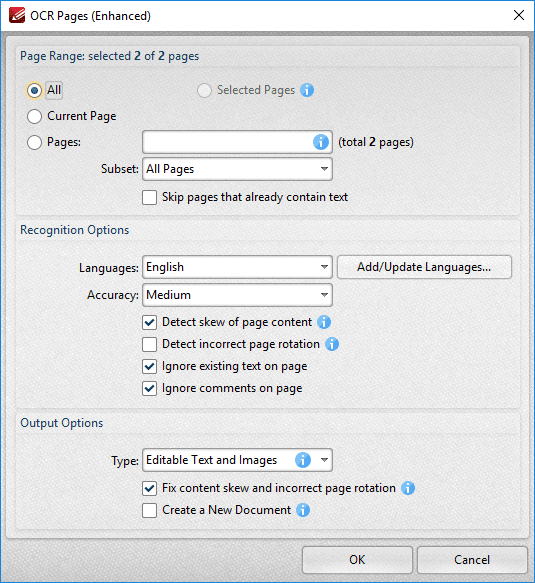
Text can be recognized from scanned text or image files using the built-in OCR feature. On the other hand, the reverse conversion also includes exporting PDF files as images, Word, Excel, or PowerPoint files. PDF-XChange Editor certainly has much to offer and it's up to you to decide whether these features are enough to convince you to purchase it. It's definitely useful and easy to use!